

myBibliothek
(English version see below)
myBibliothek – deine Bücher perfekt organisiert
Verwalte deine Bücher einfach, schnell und übersichtlich – egal ob Klassiker, Bestseller oder Rarität.
Mit myBibliothek behält du immer im Blick, wo deine Bücher stehen, wer sie schon gelesen hat oder wem du sie verliehen hast – und entdecke deine Sammlung neu, jedes Mal, wenn du stöberst.
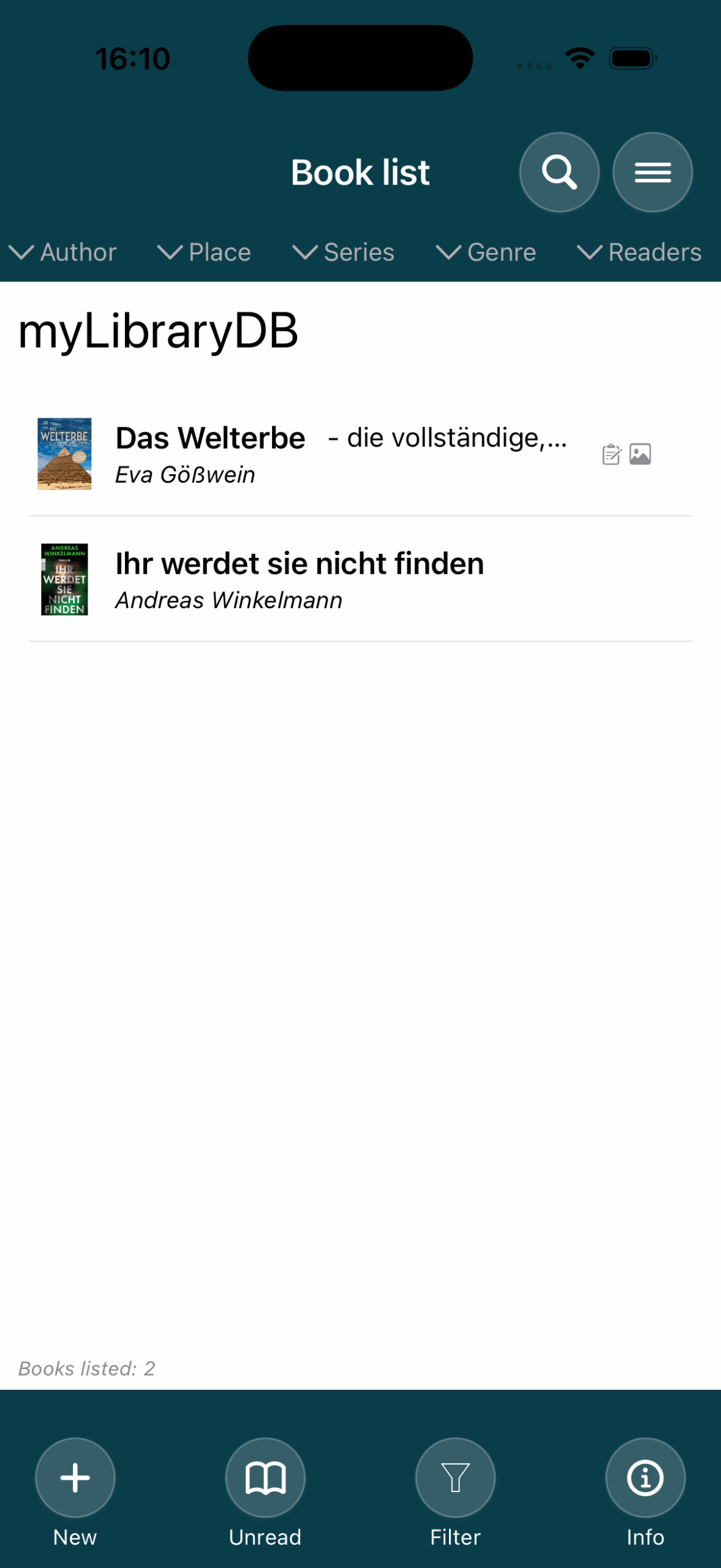
- Bücher erfassen: einfach manuell oder bequem per ISBN-Scan
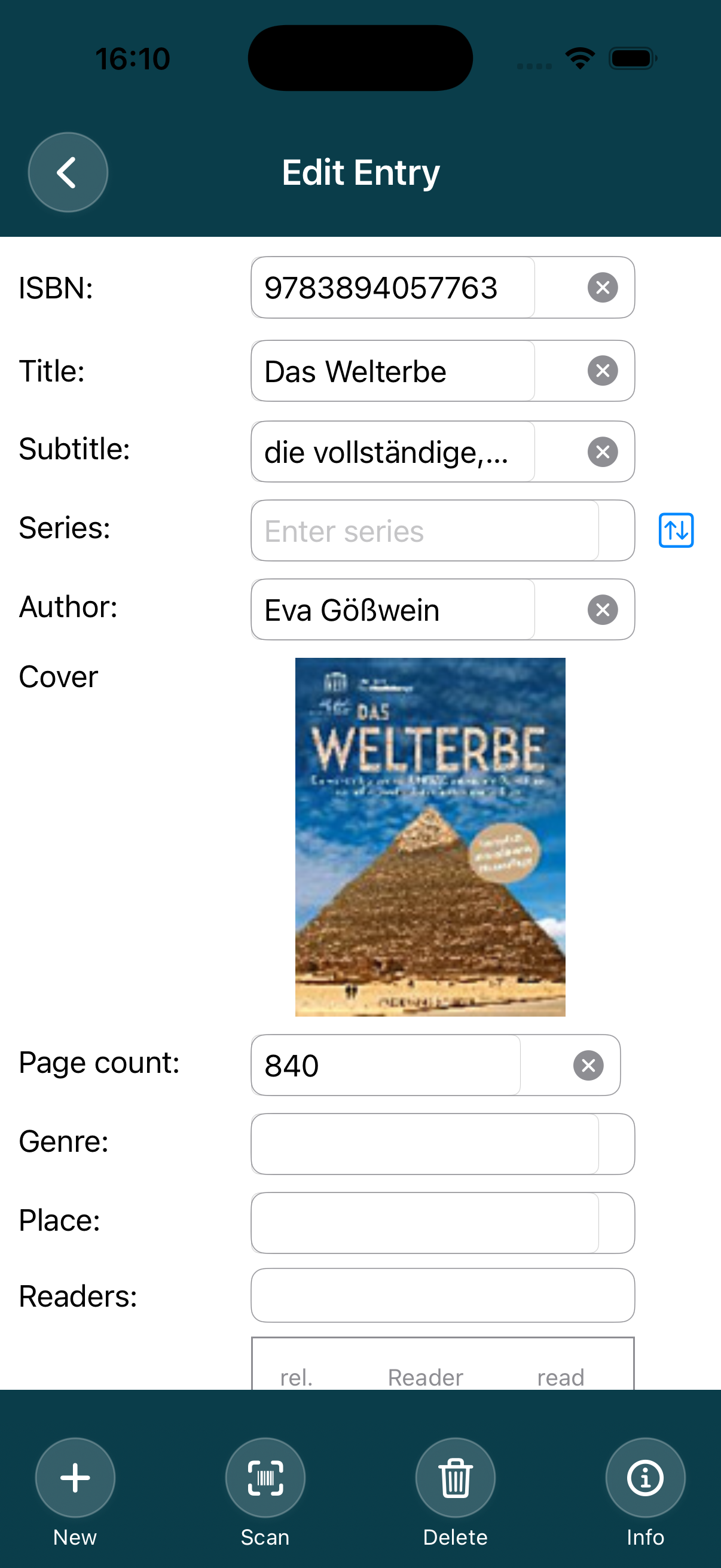
- Automatische Datenübernahme: Autor, Titel, Serie, Genre, Coverbild, Klappentext, … direkt aus der ISBN-Datenbank soweit verfügbar
- Flexible Verwaltung: Vermerke, wo deine Bücher stehen, welche Personen Interesse haben oder welche Bücher du bereits gelesen hast
- Verleihen: Behalte im Blick, an wen du Bücher verliehen hast und wann
- Intelligente Suche & Filter: Finde Bücher mit der Textsuche oder durch die freie Kombination von verschiedenen Filtern
- Individuelle Sortierung: Übersichtlich nach Autor, Serie, Genre, Standort oder Leser
Mit myBibliothek findest du sofort, was du suchst – egal ob:
- „Wo steht das Buch?“
- „Welche Bücher habe ich noch nicht gelesen?“
- „An wen habe ich das Buch verliehen?“
Teile deine Bücherliste mit der Familie und Freunde, in dem du sie in der iCloud oder auf deiner Dropbox speicherst, wo ihr alle Zugriff habt.
Verwalte deine Sammlung smarter, schneller und stressfrei – alles in einer App.
Verfügbar für iOS in deutsch und englisch
English version:
myBibliothek – your books perfectly organized
Manage your books easily, quickly, and clearly—whether they’re classics, bestsellers, or rare finds.
With myBibliothek, you can always see where your books are, who has already read them, or who you’ve lent them to—and rediscover your collection every time you browse.
- Record books: easily manually or conveniently by scanning the ISBN
- Automatic data transfer: author, title, series, genre, cover image, blurb, etc. directly from the ISBN database, where available
- Flexible management: note where your books are, who is interested in them, or which books you have already read
- Lending: keep track of who you have lent books to and when
- Intelligent search & filters: find books with the text search or by freely combining different filters
- Individual sorting: clearly arranged by author, series, genre, location, or reader
With myBibliothek, you can instantly find what you’re looking for—whether it’s:
- “Where is the book?“
- “Which books haven’t I read yet?”
- “Who did I lend the book to?”
Share your lists with family and friends by saving them in the iCloud or on your Dropbox, where you all have access.
Manage your collection smarter, faster, and stress-free—all in one app.
Die Bezeichnungen „Apple“, „Apple Watch“, „iPhone“, „iPad“, „iCloud“, „Dropbox“ sind geschützt und werden hier nur verwendet, um die Eigenschaften der App zu beschreiben.
The terms „Apple“, „Apple Watch“, „iPhone“, „iPad“, „iCloud“, „Dropbox“ are proprietary and are used herein only to describe the features of the App.
Support / Hilfe:
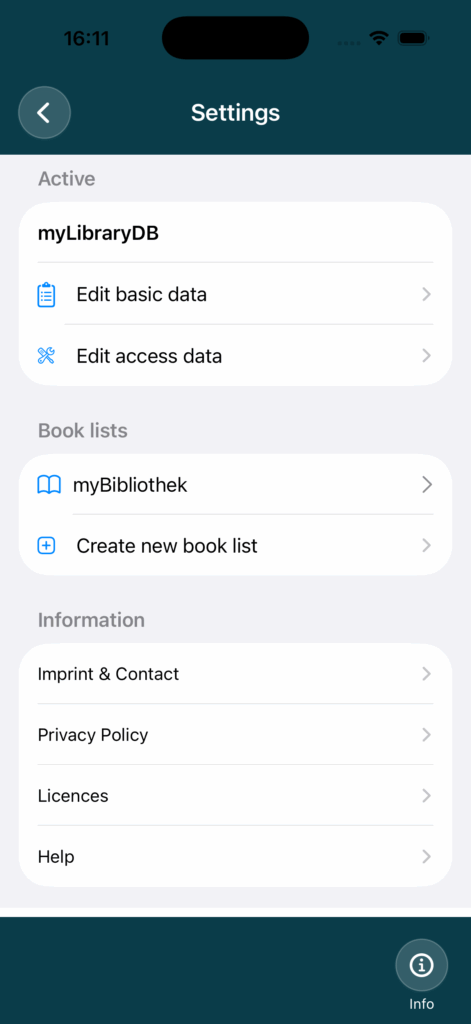
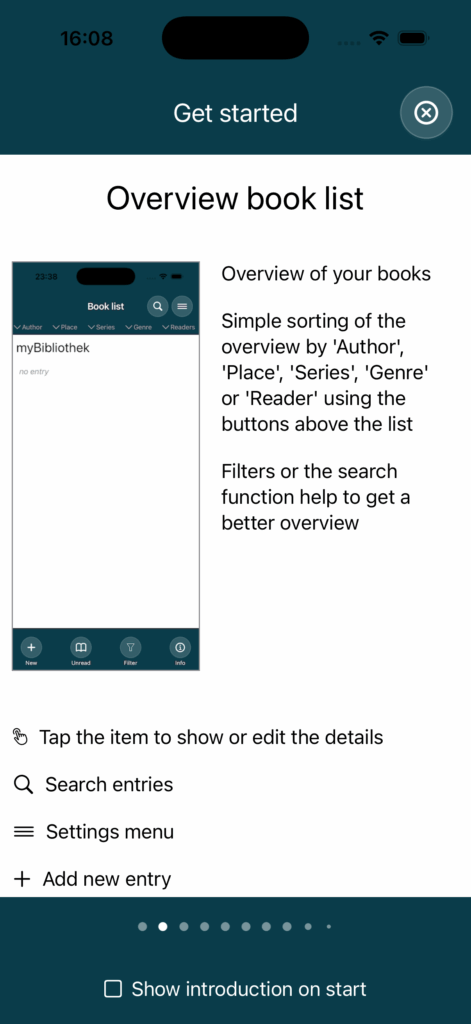
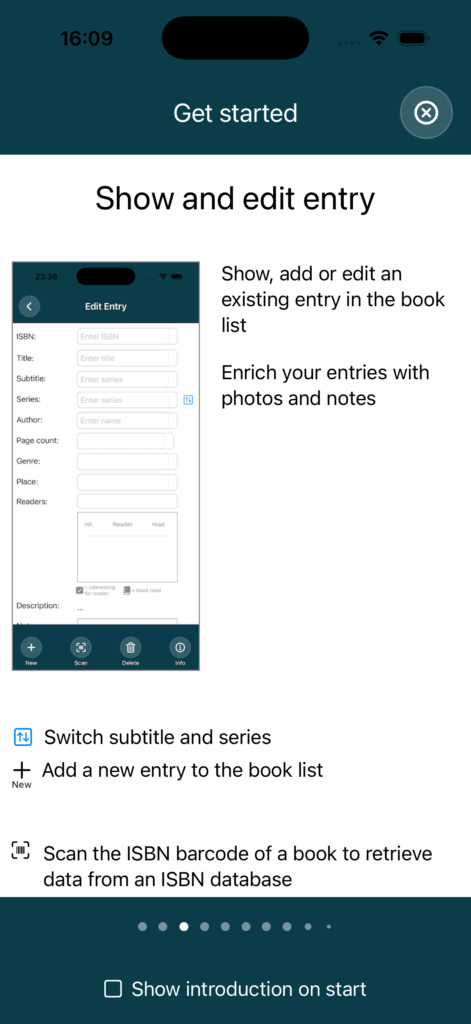
Beim Starten der App wird eine Einführung in die wichtigsten Seiten und ihre Bedienung gezeigt. Das Anzeigen dieser Einführung bei jedem Start kann abgeschaltet werden. Über das Einstellungensmenü ist jederzeit diese Einführung unter dem Punkt „Hilfe“ wieder aufrufbar.
When the app is started, an introduction to the most important pages and their operation is shown. The display of this introduction at each start can be switched off. This introduction can be called up again at any time under “Help” in the Settings menu.
Beispiele der Einführung und Hilfeseiten/
Examples of the introduction and help pages:
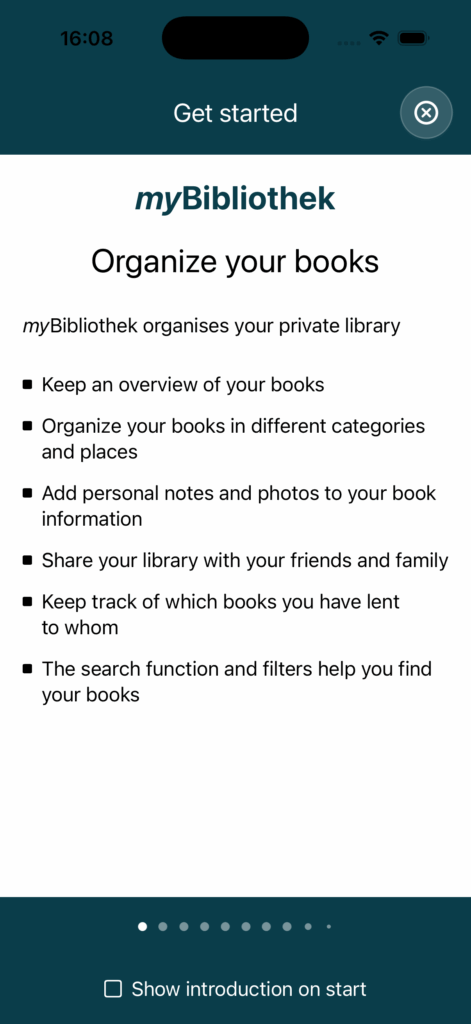
Zudem ist unter der Schaltfläche “ Info“ auf jeder Seite eine Hilfsseite mit Erläuterungen der Bedienung der jeweiligen Seite verlinkt.
In addition, a help page with explanations on how to use the respective page is linked under the “Info” button on each page.
Für weitere Unterstützung gerne Fragen per mail an uns/
For further support, please send us your questions by e-mail:
e-mail: support@carl-gartendesign.de